

Take DNKY Radio with You | Get the App!
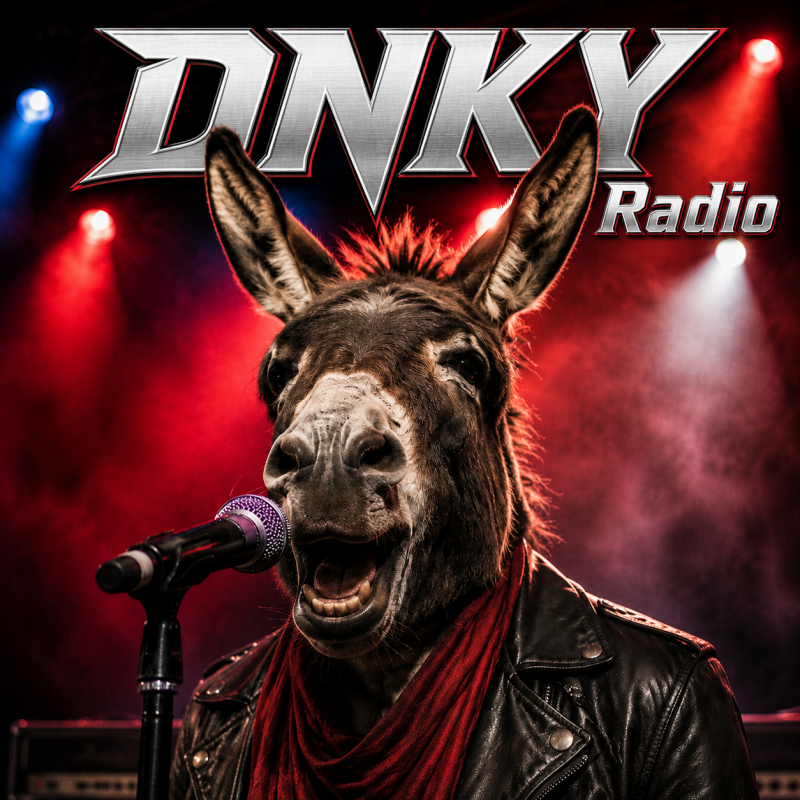
Android Phone and Tablet
App Installation instructions:
- Open Google Chrome on your Android device.
- Visit dnkyradio.com.
- Tap the three-dot menu beside the address bar.
- Select Install and Create Shortcut.
- Follow the on-screen prompt to install DNKY Radio and add its icon to your Home Screen.
The DNKY Radio Web App icon will now appear with your other apps. Tap it anytime for immediate access to the station.